Find nearby devices
Devices on the same local network appear automatically. Manual IP entry is available when you need it.
 LanDrop
Send files and folders straight to nearby devices. No cloud account. No shared-folder setup. Just choose, send, and get on with your day.
Store releases are coming soon.
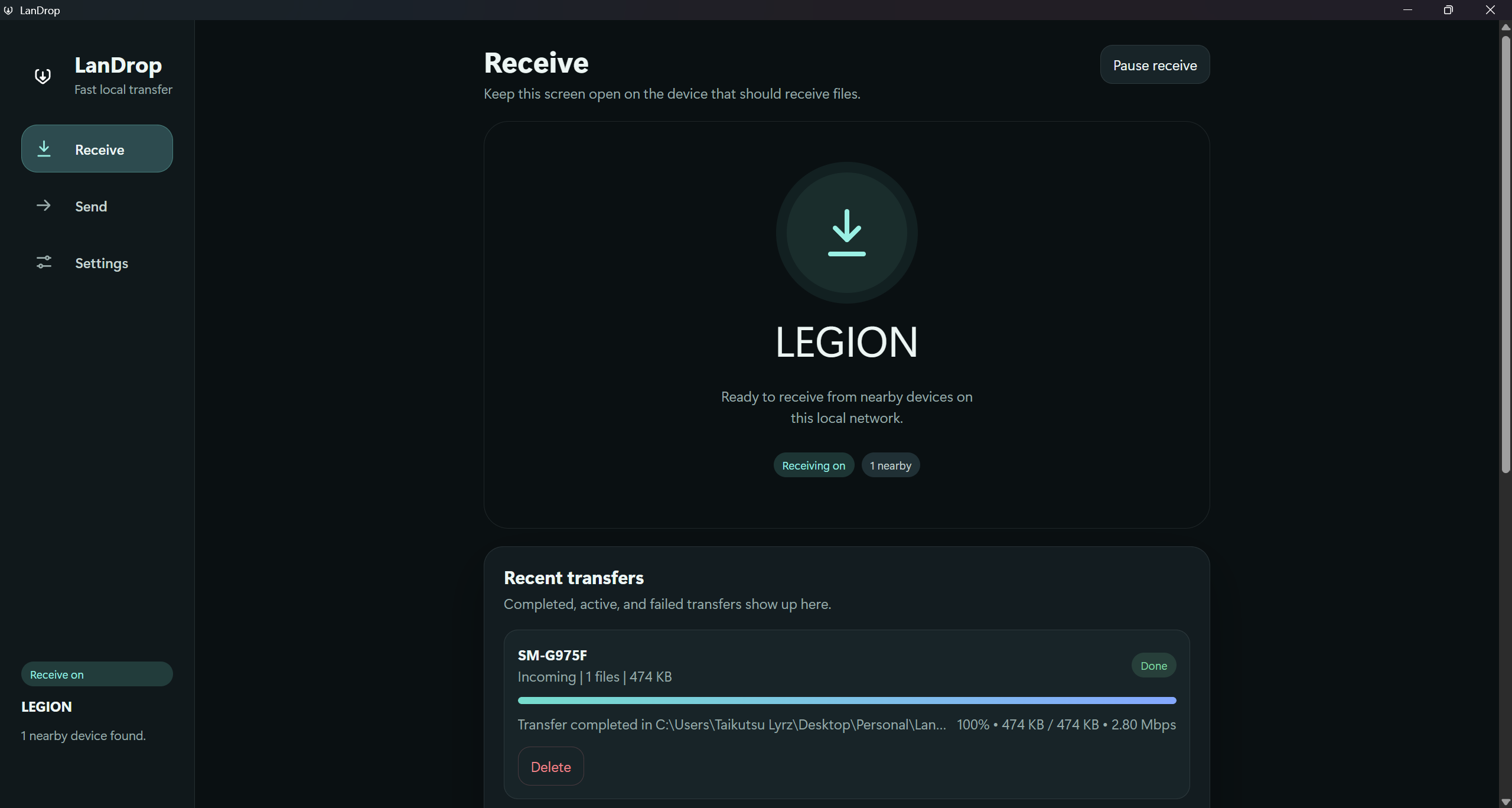
A little less setup. A little more sharing.
Devices on the same local network appear automatically. Manual IP entry is available when you need it.
Share multiple files or entire folders, without preparing a ZIP archive. See speed and progress, pause, resume, or cancel a transfer.
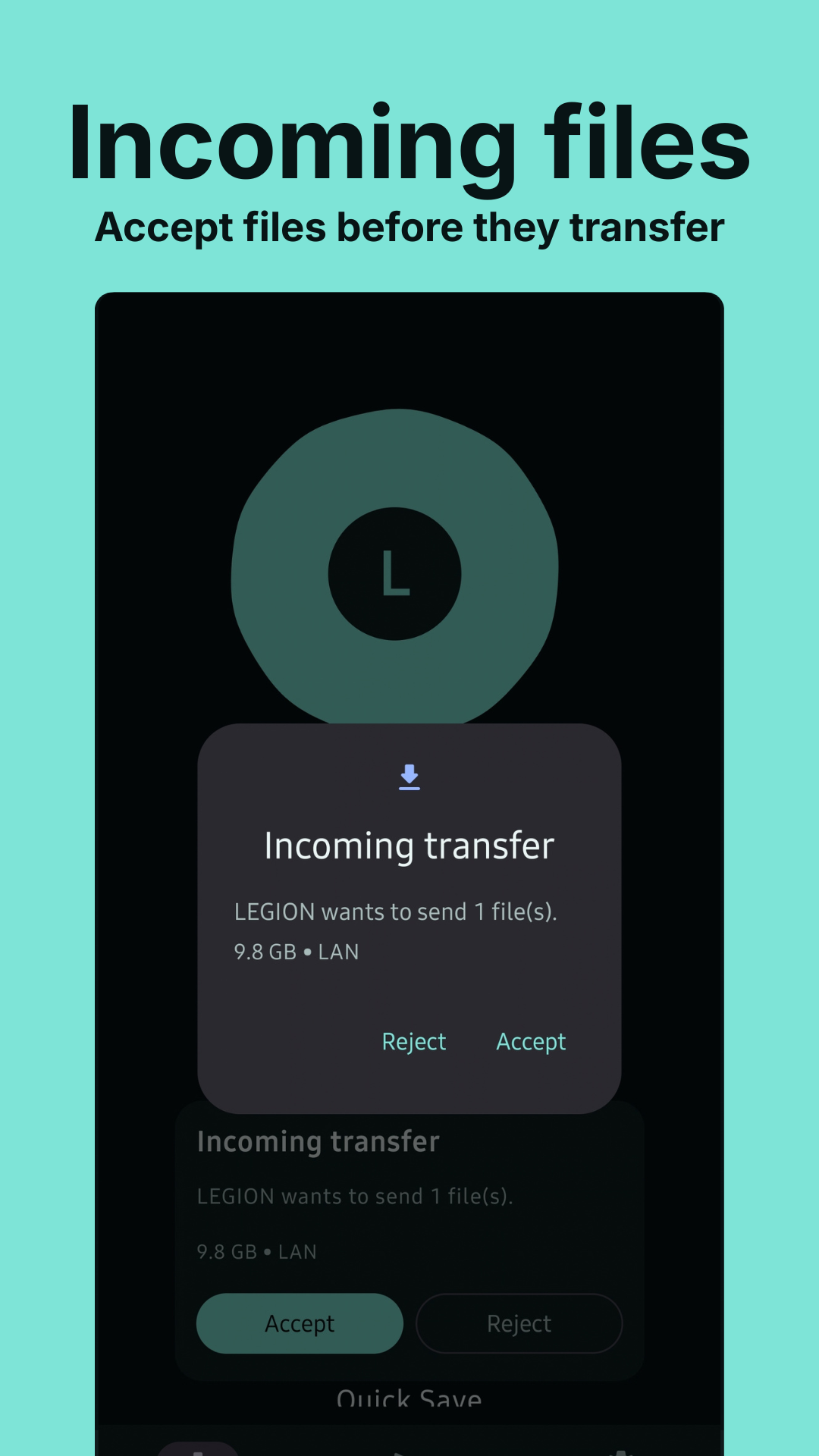
Accept incoming transfers, use pairing codes, and manage trusted devices. Quick Save can streamline transfers from devices you trust.
Put both devices on the same local network and open LanDrop. Nearby devices appear automatically.
Select files or a folder, then pick the receiving device.
Accept the incoming transfer on the other device. Follow its progress, or pause and resume when needed.
Windows and Android, with the same straightforward sharing flow. Select a screenshot to view it in full.
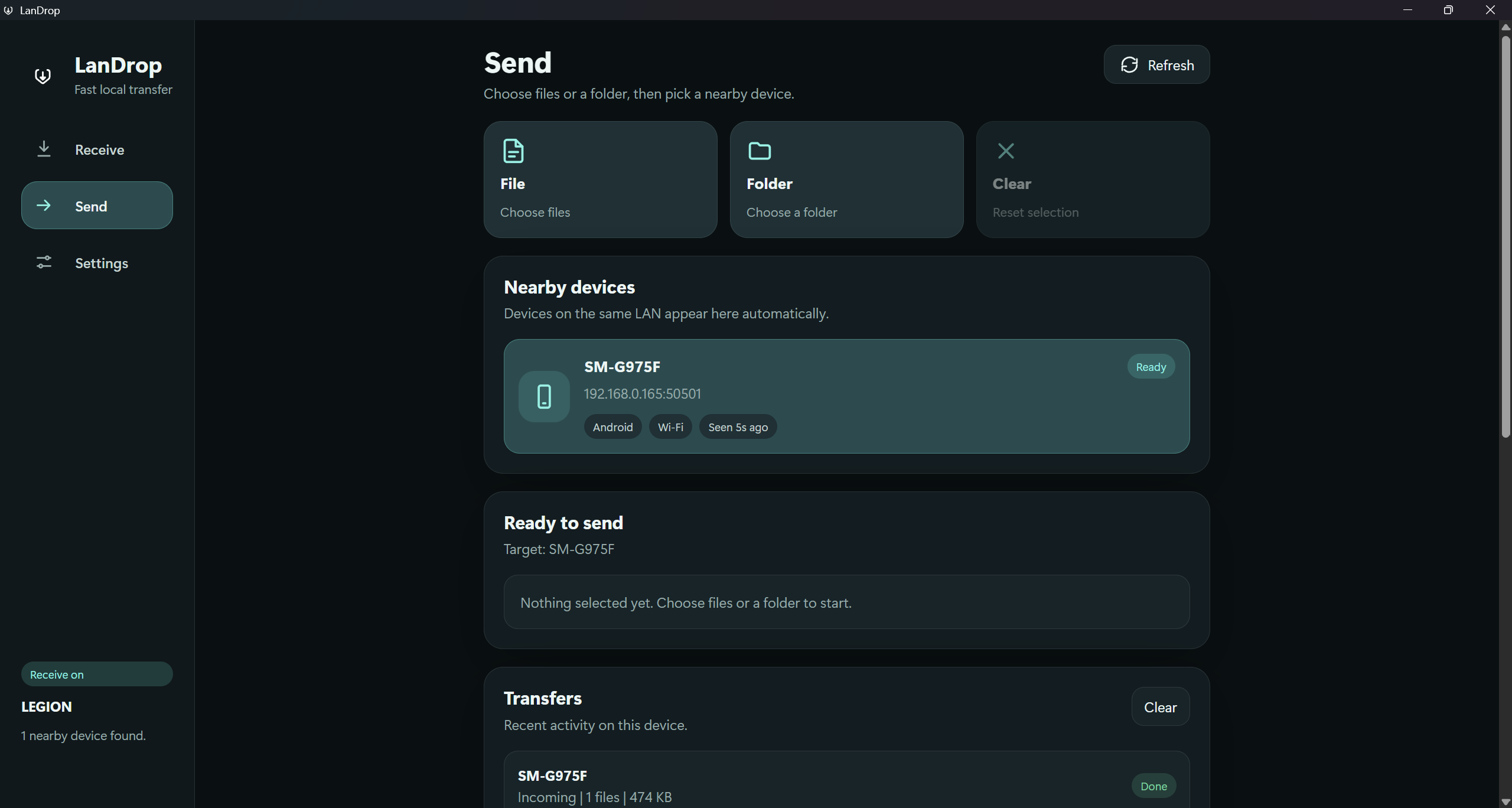
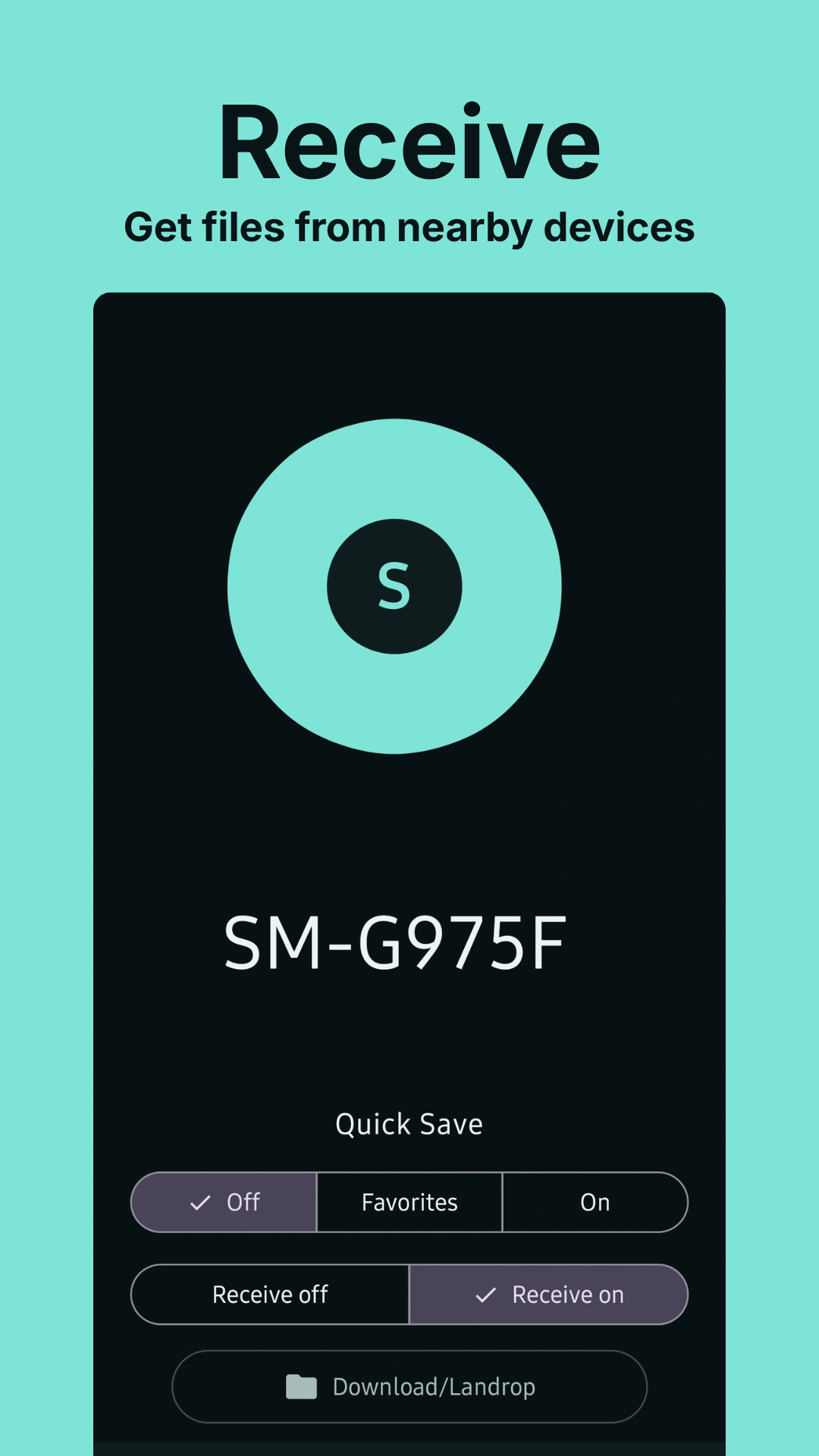
Windows and Android releases are planned. Official downloads will be linked here when available.
Local transfers use your network. Android also includes a Wi-Fi Direct flow. Pairing codes and trusted-device controls help you manage incoming files.